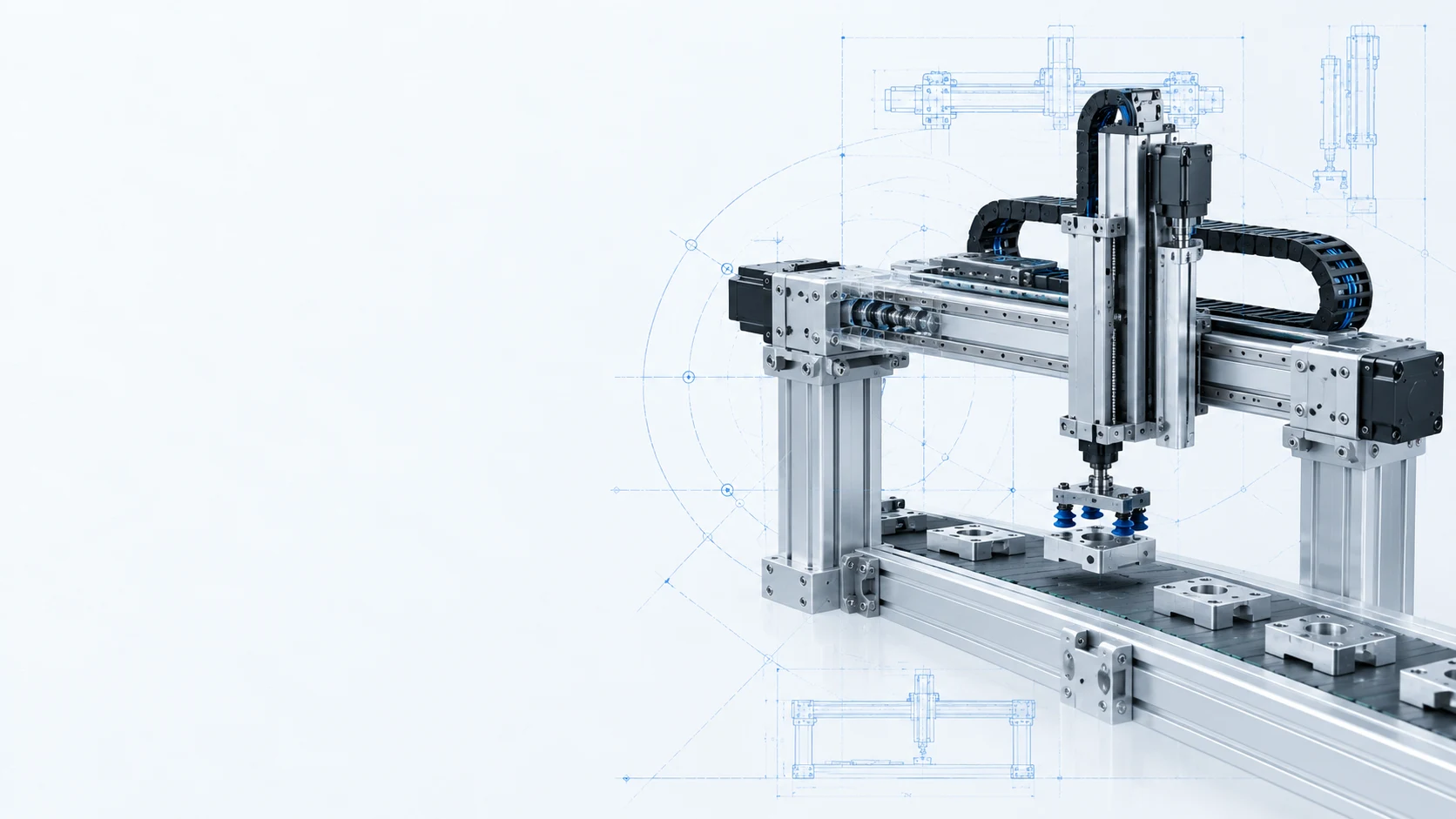
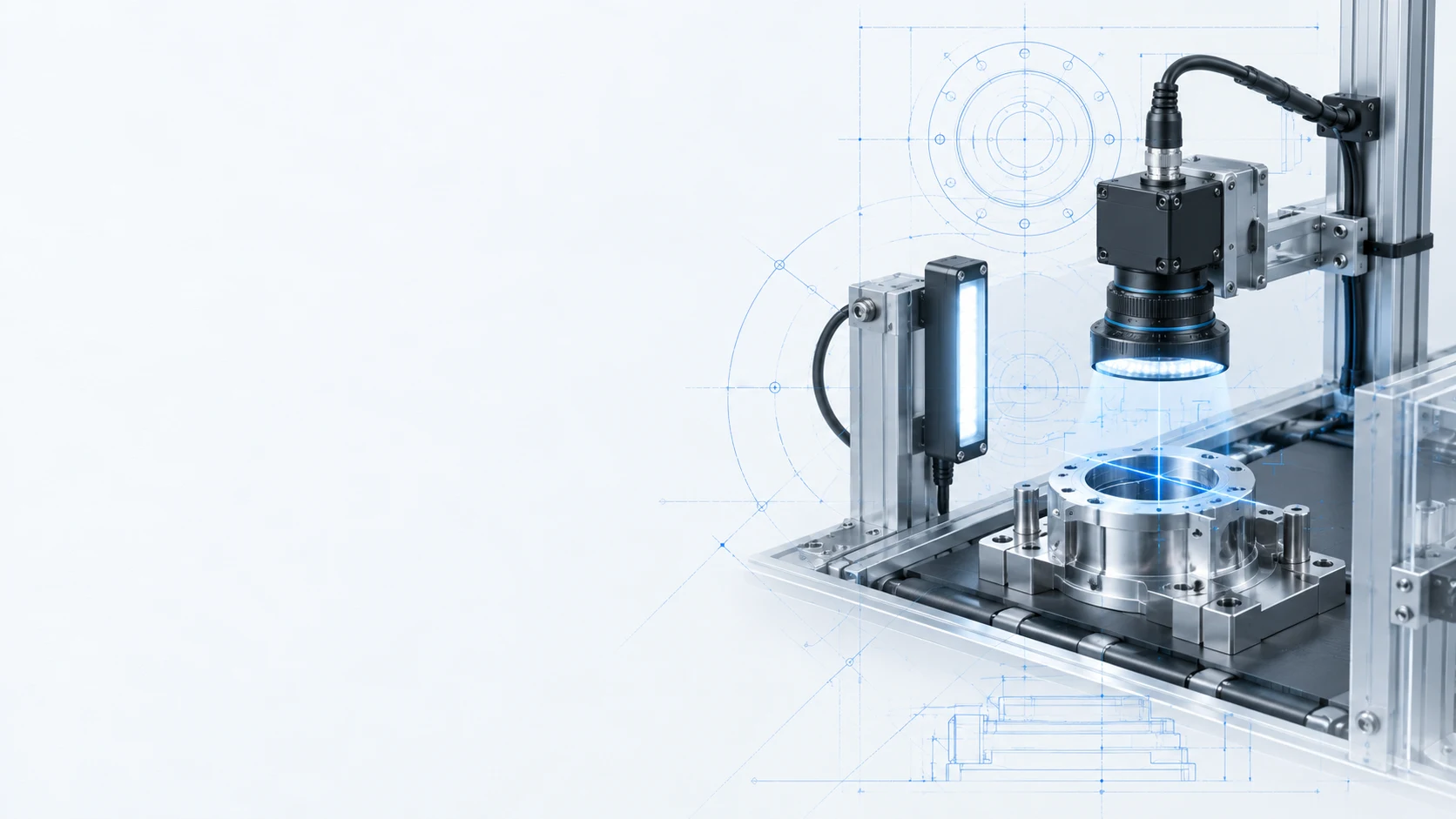
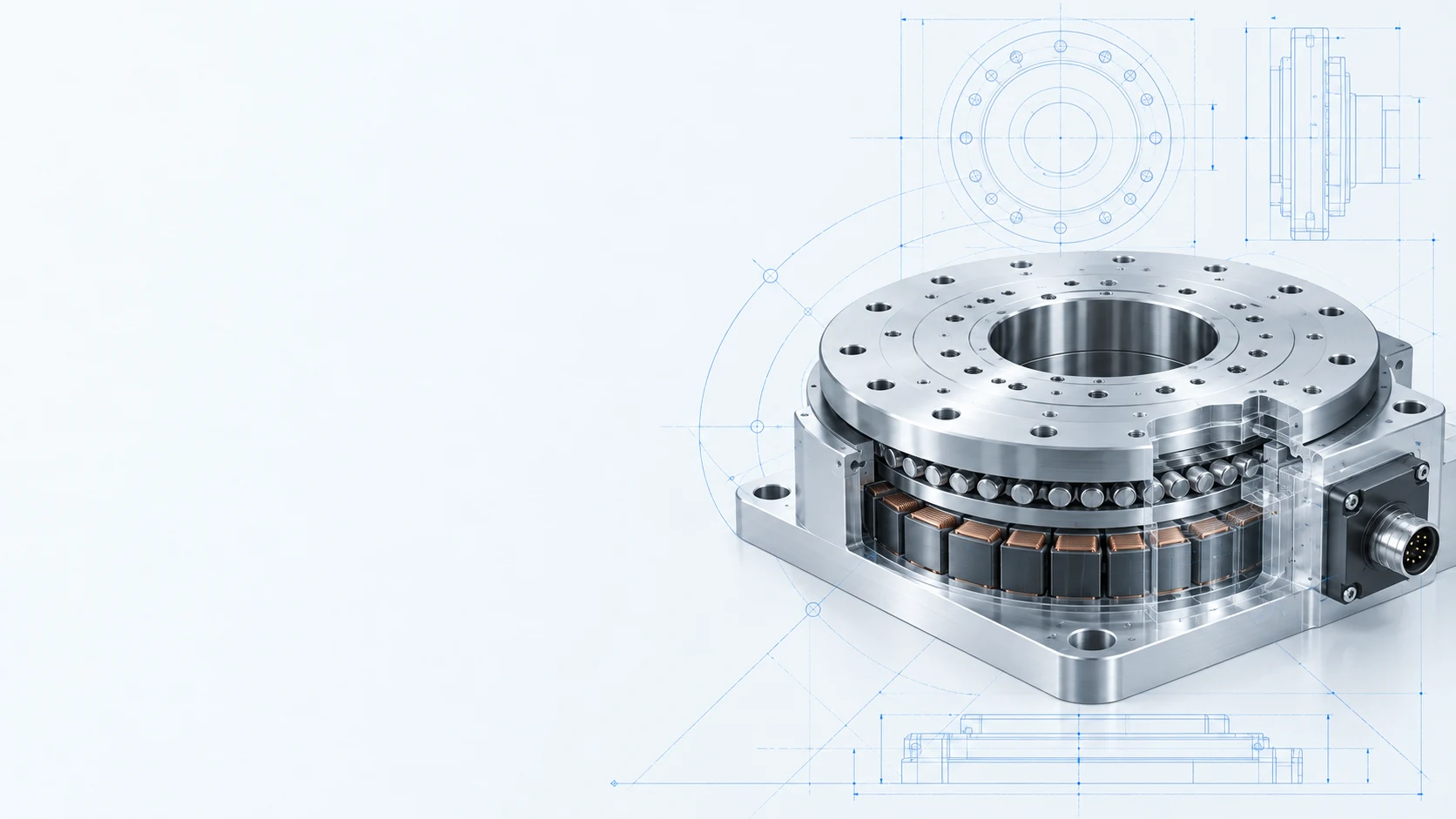
Cutaway render of a rotary table showing its bearing and motor Gantry pick-and-place unit lifting parts off a conveyor Vision inspection camera imaging a part under a ring light

“Spend less time , , and ”

The AI assistant for repetitive mechanical design work

From part-sizing calculations and replacement-part searches to tolerance and standards lookups. Get answers in a conversation, and check the source behind every one. In a team workspace, confirm selection results together, and the evidence stays as outputs.

design with evidence

Design backed by evidence

A single process chains transfer, clamping, operation and return. Every module needs its load, space, interference and cost reviewed again.

Datum doesn’t design for you. It takes on the repetitive calculations, searches and lookups, so you make the call with the evidence in front of you.

Calculate

Part-sizing calculations

  • Force, torque, load, speed and the other values you need to select parts
  • Shows sources, formulas, substitutions and limits of applicability
Search

Parts and replacements

  • Suggests only candidates with a verified official product page or catalog
  • Shows your preferred suppliers and whether 2D/3D CAD files are available
Q&A

Tolerances, standards and design knowledge

  • Every explanation links to the source that backs it
  • Where there’s no evidence, Datum says so and tells you what’s needed
Personalized

Remembers your setup

  • Saves your default units, decimal places and preferred suppliers
  • No need to restate your conditions every time

Try it

Pick a question and see how Datum answers

These are replays of real Datum answers. When a condition is missing, Datum asks instead of filling it in.

    Datum Replay of a real answer

    Pick an example question.

    Real answers take from a few seconds to a few tens of seconds; this demo replays them faster. The examples were recorded in Korean and translated for this page.

    How it works

    Start a design review with one question

    When you need a calculation

    e.g. What motor torque does this load need?

    1. 01 Enter your conditions Type what you know, such as mass, distance and speed.
    2. 02 Fill in what’s missing If a required value is missing, Datum asks instead of guessing.
    3. 03 Review the solution and sources Check the formula source, substitutions and limits side by side.

    When you’re looking for a part

    e.g. What replaces this discontinued linear guide?

    1. 01 Enter specs or a part number Share the current part number, the specs you need and any space limits.
    2. 02 Compare candidates Compare matching candidates alongside official documentation.
    3. 03 Get CAD files and review fit Get official 2D/3D CAD links and a list of items to check further.

    team workspace

    Confirm as a team, keep the evidence

    When calculations, part candidates and review comments are scattered across personal chats, the same review gets done again from scratch.

    In a team workspace, chats, outputs and comments are shared per project, while private chats, drafts and personal notes stay visible only to their author.

    Share

    Team invites and roles

    • Admins invite teammates to the team by email or invite link
    • Add teammates to each project with owner, editor or viewer roles and visibility
    Branch

    Pick up a teammate’s chat

    • Branch a teammate’s chat and keep asking, leaving the original untouched
    • No need to explain the conditions and evidence again
    Outputs

    Saved outputs and versions

    • Save calculation and selection results from answers as outputs, then confirm them
    • Compare versions and recalculate when conditions change
    Collaborate

    Comments, team notes, shared rules

    • Comment and reply on outputs, assign work with team notes
    • Manage shared team rules such as approved parts and review criteria

    Pricing

    From individual reviews to whole teams

    Free

    Try with public sources

    Credit limit

    What's included

    • Review conditions using public catalogs
    • Verify calculations and original sources
    • View invited team projects, comment and keep personal notes

    Public catalogs and non-confidential data only

    Free during the promotion

    Pro

    Individual review

    $15 / month

    Everything in Free, plus

    • Compare candidate parts and selection criteria
    • Save reviews and verify original sources
    • Recalculate when conditions change
    • Create team workspaces, invite teammates and share projects
    • Fork teammates' chats, save and confirm outputs, write team notes

    Excludes company drawings, BOMs and customer documents

    Coming soon

    Business

    Team validation

    $200 / month

    Everything in Pro, plus

    • Up to 10 members (extra seats $35 / month each)
    • Register in-house catalogs
    • Separate RAG database for each company
    • Manage user and source access
    • Manage and propose team rules

    Use company-approved parts and review criteria

    Coming soon

    Enterprise

    Enterprise integration

    Custom pricing

    Everything in Business, plus

    • Use design history and past component usage
    • Connect ERP item and inventory lookups

    Scope and pricing agreed by contract

    During the current promotion, Pro features are free. Business and Enterprise are coming soon. Pro team features have no member limit; Business includes up to 10 members. The promotion end date has not been announced yet.

    Datum doesn’t give answers that just sound right. It gives answers you can verify.

    Start your next design review with Datum today.

    Start for free

    FAQ

    Frequently asked questions

    Does Datum do the design for me?

    No. Datum supports repetitive calculations, part searches and information lookups. It doesn’t assume anything you haven’t told it, such as structure or connections, and the final call is yours, based on the evidence.

    How do I check the sources behind an answer?

    Explanations, standard values and formulas each link to their source, so you can open the original right away. Where Datum can’t find evidence, it doesn’t answer. It tells you the point couldn’t be verified and what information is needed.

    How are units handled?

    Datum first shows default units such as mm, kg, N and N·m, then applies the values you confirm or edit. You can change them anytime in Settings, and units written in your question take priority.

    Does it only search specific suppliers’ products?

    Part families and manufacturers aren’t restricted in advance. Among candidates that meet your conditions, products from suppliers you’ve marked as preferred are shown first, but a product that doesn’t meet your conditions is never recommended just because it comes from a preferred supplier.

    How is the design information I enter handled?

    See the external processing and records policy for what is processed externally and how to access or delete your records.